

Many people working from home struggle with distractions and limited efficiency. Choosing the right gadgets can significantly improve focus and task management.
The top gadget picks for boosting productivity at home include tools that streamline communication, organisation, and time management. These devices help create an environment where work flows smoothly and interruptions are minimised.
From smart speakers and ergonomic keyboards to noise-cancelling headphones, the right technology creates a practical workspace. Understanding which gadgets offer the most benefit can save time and enhance daily output.
Essential Gadgets for a Productive Home Office
A well-equipped home office can improve comfort, focus, and health. Choosing the right ergonomic tools and lighting helps reduce strain during long work hours. Adjustable furniture and specialised accessories support a more efficient workspace.
Laptop Stands for Ergonomics
Laptop stands elevate the screen to eye level, preventing neck and shoulder strain. They help maintain proper posture by aligning the head with the screen, reducing hunching.
Many stands offer adjustable height and angles. This flexibility accommodates different sitting positions and desk setups. Some are portable, ideal for changing work locations within the home.
Materials like aluminium add stability and improve heat dissipation. A good stand prevents overheating, which helps the laptop maintain performance.
Standing Desks for Health
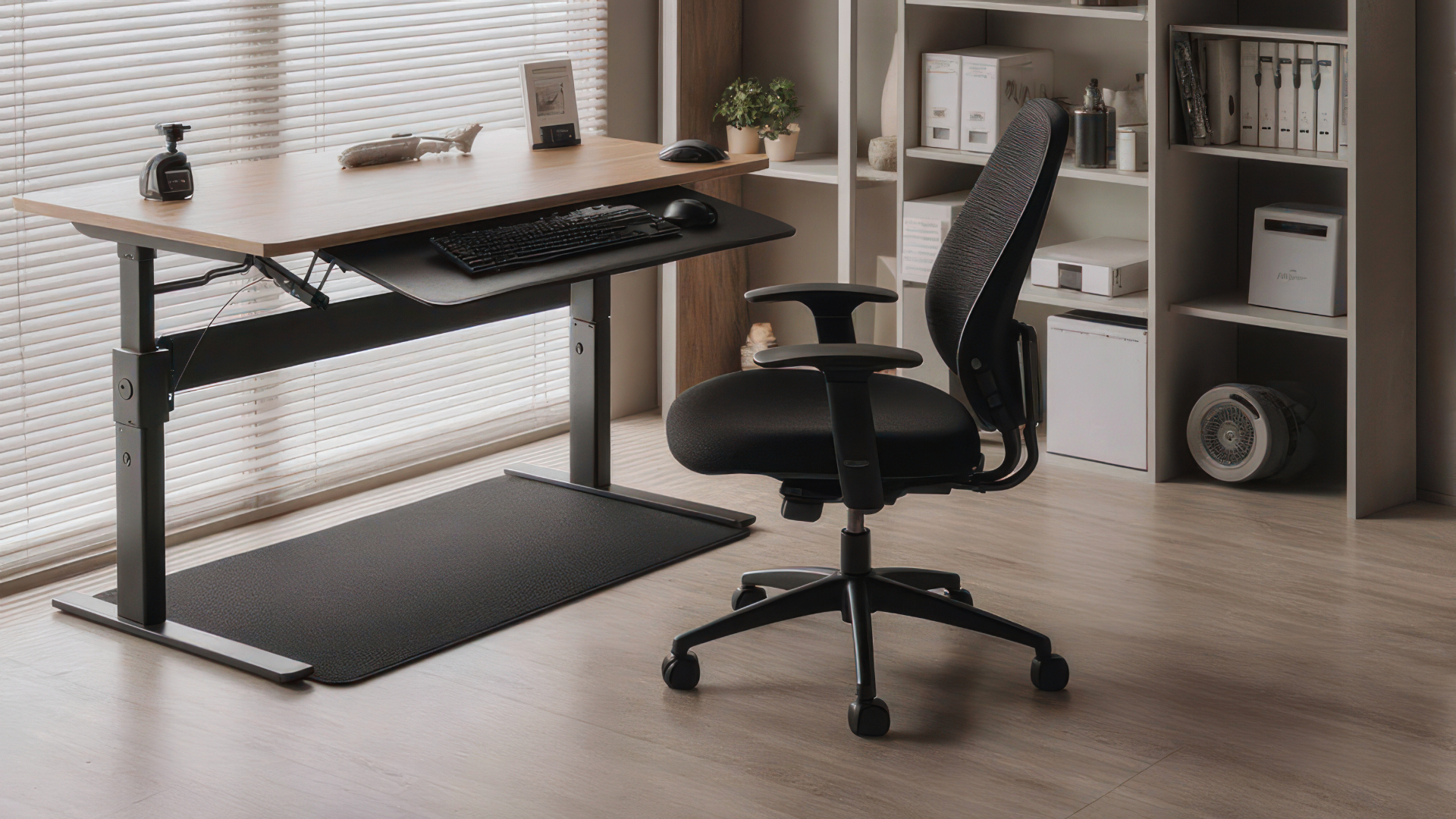
Standing desks allow alternating between sitting and standing while working. This variation reduces the risks associated with prolonged sitting, such as poor circulation and back pain.
Height adjustability is key, with models offering manual or electric controls. This feature ensures users can quickly switch positions and find the most comfortable height.
Spacious work surfaces accommodate monitors, keyboards, and other essentials. Some desks include cable management to maintain a tidy home office setup.
BenQ ScreenBar for Optimal Lighting
The BenQ ScreenBar is a clip-on LED light designed to evenly illuminate the desk without screen glare. Its adjustable colour temperature and brightness reduce eye strain during long working hours.
It fits securely on most laptops and monitor sizes without occupying desk space. The ScreenBar’s auto-dimming feature reacts to ambient light levels, optimising brightness throughout the day.
Powered by USB, it integrates easily into any home office setup. Proper lighting improves focus and reduces headaches caused by poor desk illumination.
Top Tech Accessories to Streamline Your Workflow
Choosing the right peripherals can significantly improve efficiency and reduce workspace clutter. Devices that enhance connectivity, minimise distractions, and reduce charging time are key elements to consider.
USB-C Hubs for Connectivity
USB-C hubs expand a laptop or tablet’s connectivity options by providing multiple ports from a single USB-C connection. They typically include USB-A ports, HDMI outputs, SD card readers, and Ethernet connections. This versatility allows users to connect various devices without constantly swapping cables.
A hub with pass-through charging ensures the device can charge while in use, avoiding interruptions. Compact designs with built-in cable management help keep the desk tidy. Brands like Anker and Satechi offer reliable hubs supporting high data transfer speeds and 4K video output, essential for multitasking and video presentations.
Noise-Cancelling Headphones for Focus
Noise-cancelling headphones help block out background noise, improving concentration in busy home environments. Active noise cancelling (ANC) technology uses microphones to detect and neutralise ambient sounds, which is especially useful for calls and focused tasks.
Quality headphones from Sony, Bose, or Apple provide adjustable ANC, long battery life, and comfortable fits suitable for extended wear. Wireless models reduce cable clutter, while built-in microphones facilitate clear communication during video conferences. This accessory is vital for those seeking an uninterrupted workflow in noisy settings.
Fast Charging Solutions
Fast charging technology reduces downtime by delivering higher power levels to compatible devices. USB-C Power Delivery (PD) chargers are the most common standard, offering speeds up to 100W. This is particularly valuable for laptops, tablets, and smartphones used simultaneously throughout the day.
Multi-port chargers with integrated cable management simplify setups by combining power delivery and data transfer in one location. Brands like Anker and RAVPower provide chargers with overcurrent protection and compact designs, making them safe and efficient for home office use. Ensuring devices support fast charging standards is essential to fully benefit from this technology.
Smart Tools for Modern Remote Work
Modern remote work demands tools that enhance efficiency and maintain organisation. Devices that integrate traditional note-taking with digital workflows and those designed to support seamless virtual collaboration are essential.
Devices for Handwritten Notes
Digital notepads and smart pens bridge the gap between analogue and digital. Devices such as the reMarkable 2 and Livescribe smartpens allow users to take handwritten notes that are instantly digitised and searchable. This helps maintain the tactile benefits of handwriting while enabling easy storage and retrieval.
These tools often support conversion from handwriting to text, which can streamline editing and document sharing. Compatibility with cloud services like Google Drive or OneNote ensures that notes are accessible across devices. They are particularly useful for those who find writing by hand aids memory but need the flexibility of digital organisation.
Gadgets Supporting Remote Work
Key gadgets for remote work include ergonomic keyboards, noise-cancelling headphones, and portable monitors. Mechanical keyboards like the Keychron K2 offer both comfort and speed, reducing fatigue during long typing sessions.
Noise-cancelling headphones such as Sony WH-1000XM4 improve focus by blocking out distractions. Portable monitors expand screen real estate, making multitasking more efficient without requiring a permanent setup.
Webcams with high resolution and adjustable lighting systems also improve video call quality, creating a more professional appearance in meetings. Together, these gadgets create a productive and comfortable home workspace.
Leave a Reply